News
Guardian Smile Preview is here: see your new smile before you book
A free tool on our Myeongdong website that previews whitening, veneers or straightening on your own smile photo.
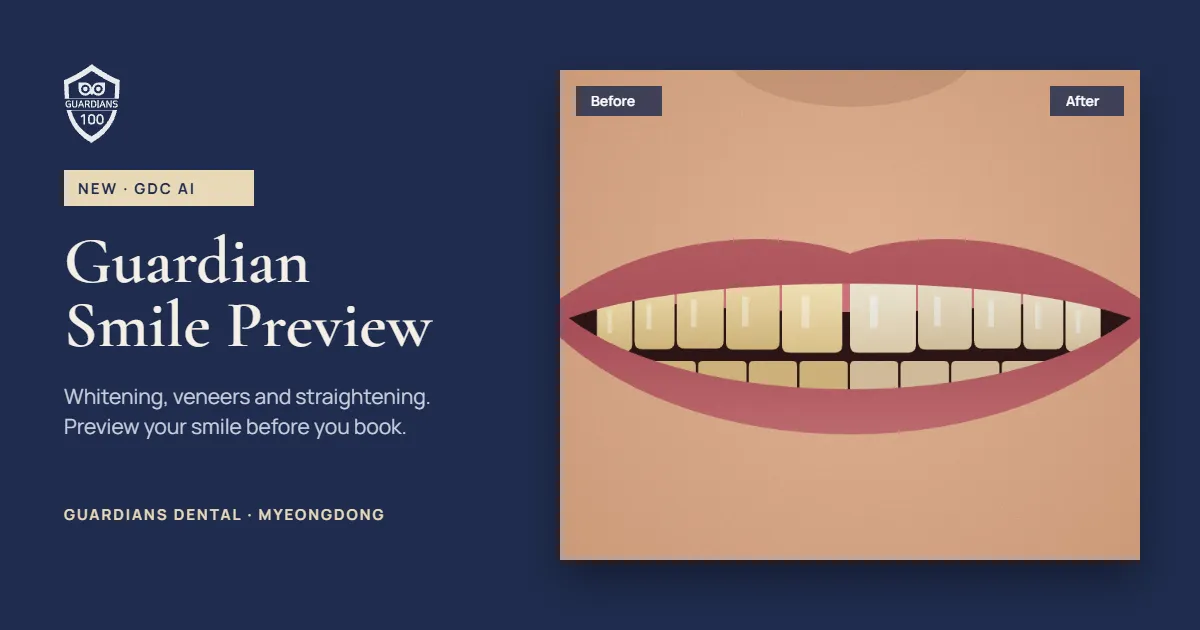
Guardian Smile Preview is a free tool on the Guardians Dental Myeongdong website. Upload a smile photo to preview whitening instantly on your device, or veneers and straightening with GDC AI in a few seconds. The clinic does not keep your photo, and the result is a simulation, not a guarantee.
What is Guardian Smile Preview?
When you are weighing up treatment, the first question is usually "what would it look like on me?" Guardian Smile Preview answers that with a simulated whitening, veneer or straightening result on your own smile photo, so you arrive at your consultation with a clearer idea of what you want.
What you can preview
- Whitening: compare five shades. Your photo never leaves your phone or computer; everything runs on your device.
- Laminate veneers (GDC AI): three styles, Natural, Bright and Hollywood, showing tooth shape, small gaps and colour.
- Straightening (GDC AI): close gaps, align crowding or align the full arch. Tooth colour stays the same, so you see what orthodontics alone would change.
How to take a good photo
- Put your mouth in the centre of the frame.
- Face the camera straight on, without tilting your head.
- Fill the frame from nose to chin and smile so your teeth show.
- Use bright, even light and turn off filters or beauty mode.
If the highlighted teeth area looks off, use "Adjust teeth area" to add missed teeth or remove lips and gums.
What happens to your photo
The clinic does not receive or store your photo. Whitening is processed on your device only. For veneers and straightening, a cropped image of your mouth only is sent to Google Cloud (Vertex AI) to create the result, and only after you agree. It is not used to train AI. You can delete the photo at any time and save the result image.
What it cannot tell you
Smile Preview is a visual simulation, not a diagnosis. Lighting and cameras change how colour looks, and not every tooth is suited to veneers or orthodontics. A dentist decides on treatment only after examining you. Save your result and show it at your visit; it makes the conversation about your goals much easier.
Questions
Is it free? Yes, and there is no obligation to book treatment.
Why does my preview look strange? Usually the mouth is off-centre, the head is tilted or the light is dim. Try another photo.
Can I show the result at my visit? Yes. Use "Save image" and bring it to your consultation.
iTranslated from Korean. General information for travellers. It does not replace an in-person exam.